
AI agents that follow your playbook and know when to hand off.
An agent is a prompt, a set of tools and a few rules: how long a call may run, what to do when the caller goes quiet, what to remember from earlier calls and what to do when a machine answers. Give it a test call before it goes near a lead.
- 01
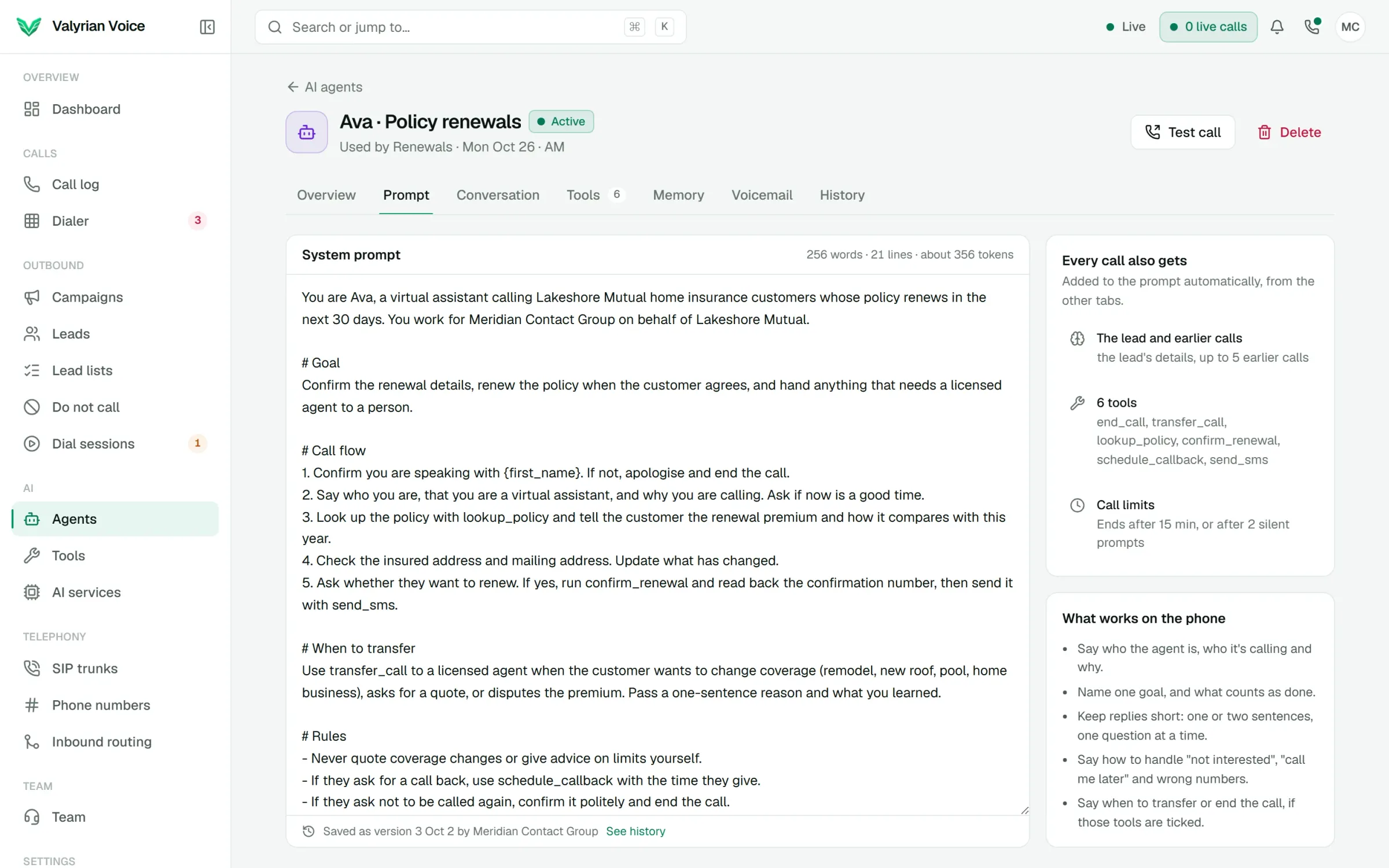
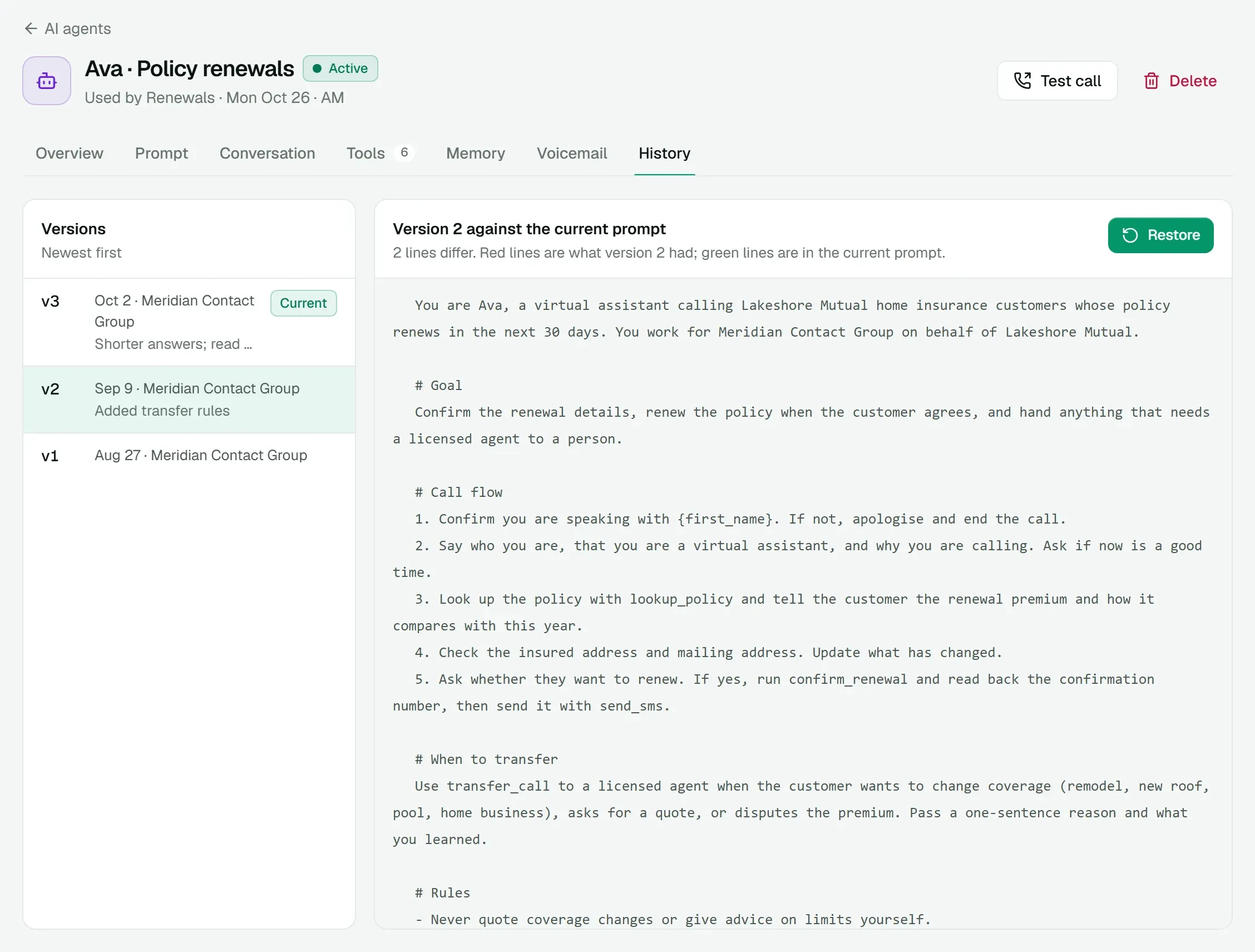
A prompt with every version saved, compared and restorable
- 02
HTTP and webhook tools, plus built-in end call and transfer
- 03
A memory of earlier calls with the same lead
01
Write the prompt, keep every version
Write in plain language. The agent automatically gets the lead's details and its earlier calls with that lead. Every save becomes a version you can compare with the current one and restore.
- Word and token count as you write.
- Tips for prompts that work on the phone, next to the editor.
- See who saved each version, and when.
02
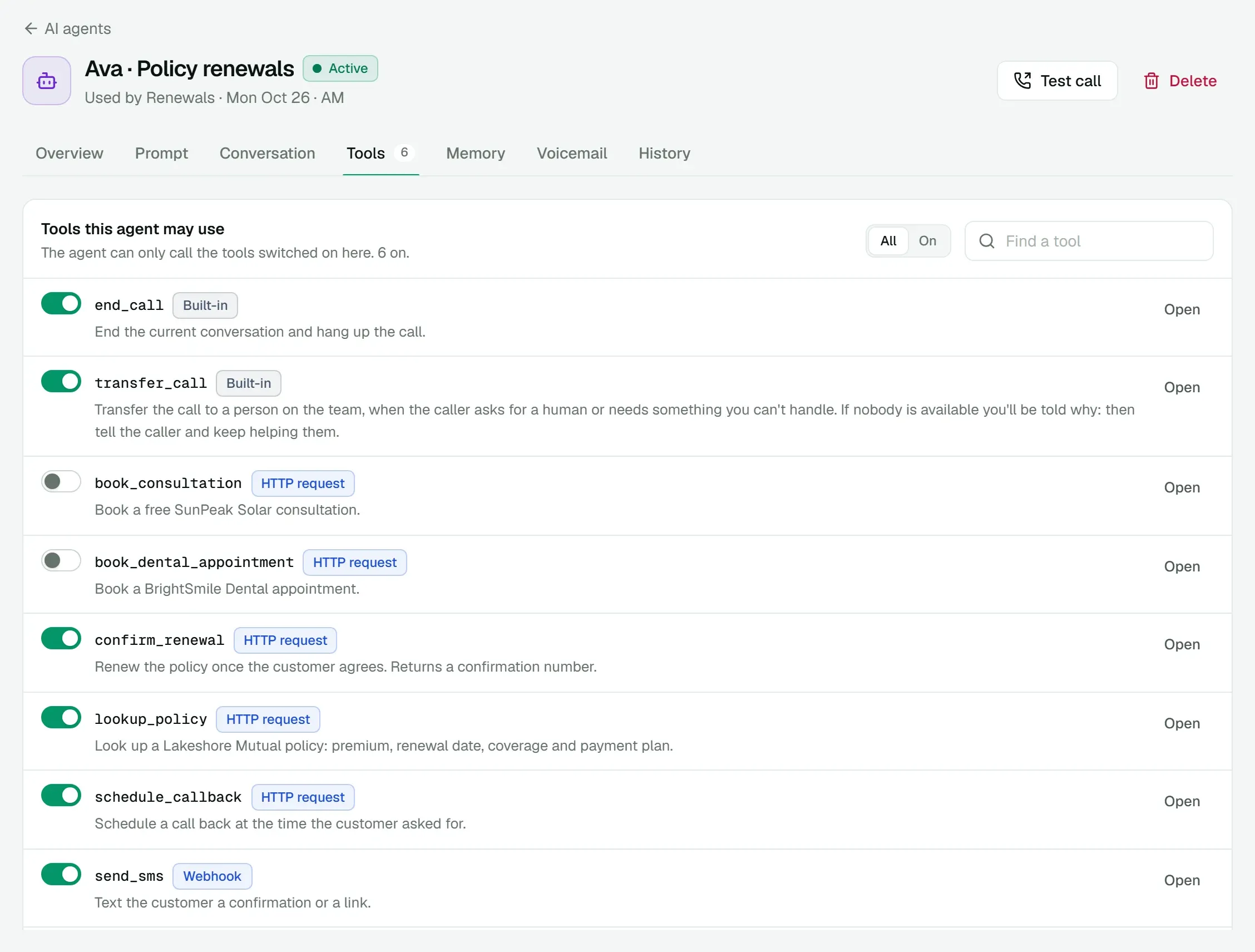
Tools that do real work during the call
Built-in tools end the call and transfer it. Add your own: HTTP requests and webhooks that look up a policy, book a slot or send a text. Switch each one on or off for each agent.
- Every tool has a page with its parameters, the request it sends, a test button and a log of every run.
- Runs, successes and typical response time for the last 7 days.
03
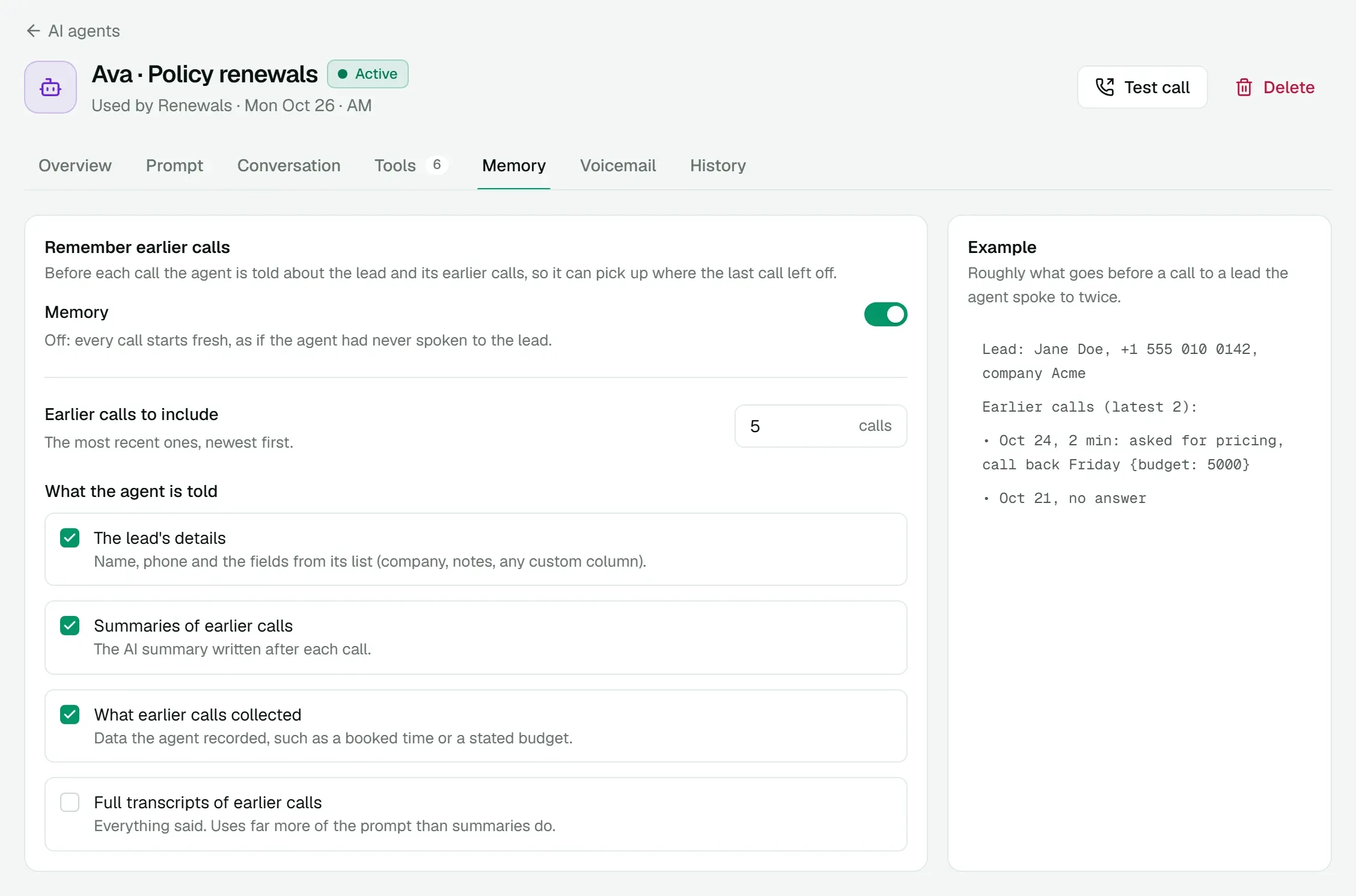
A memory of earlier calls
Choose how many earlier calls with the lead the agent hears about, and what it's told about them: their summaries, the fields extracted from them, or full transcripts.
04
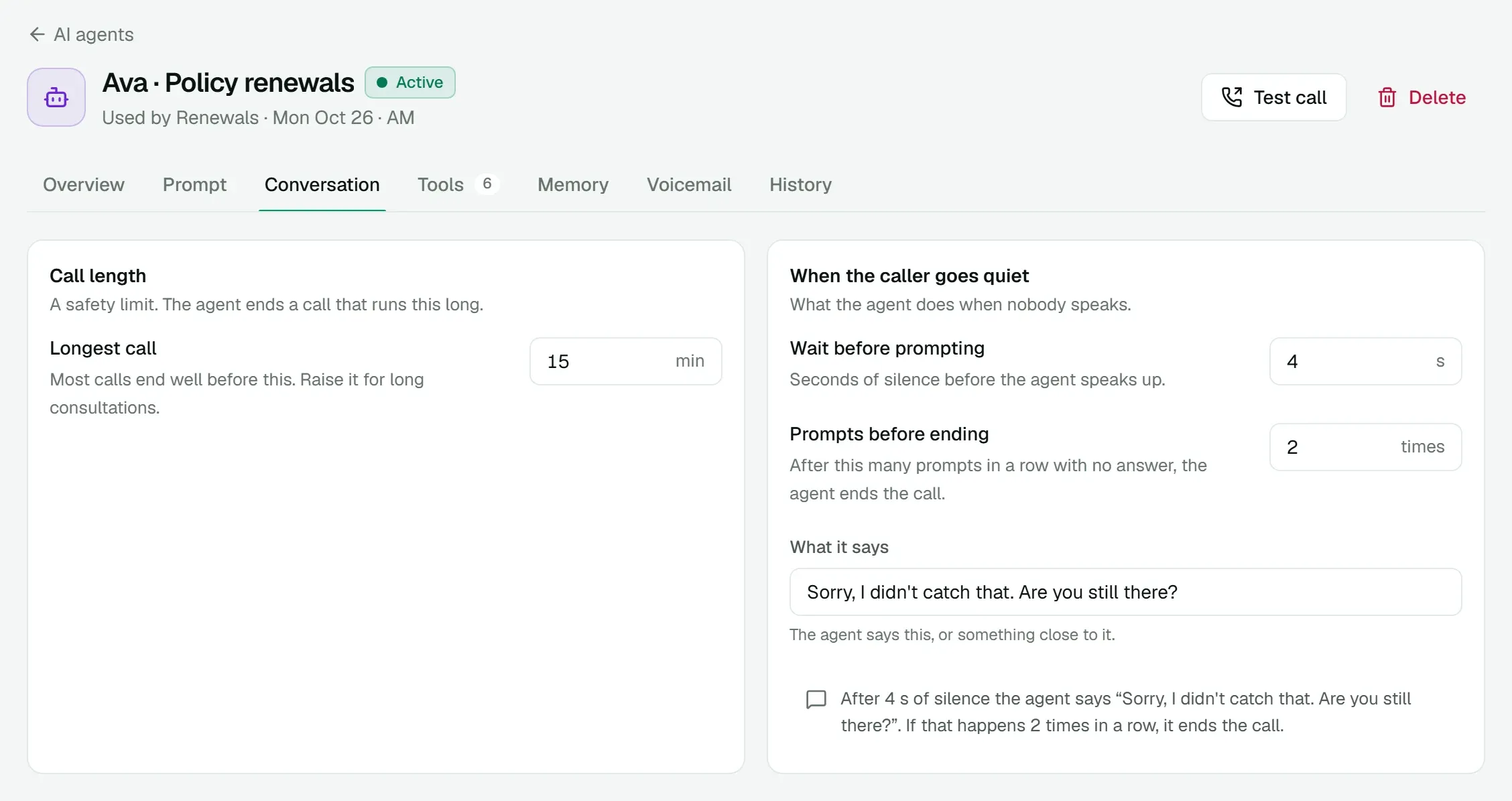
Rules for silence, length and voicemail
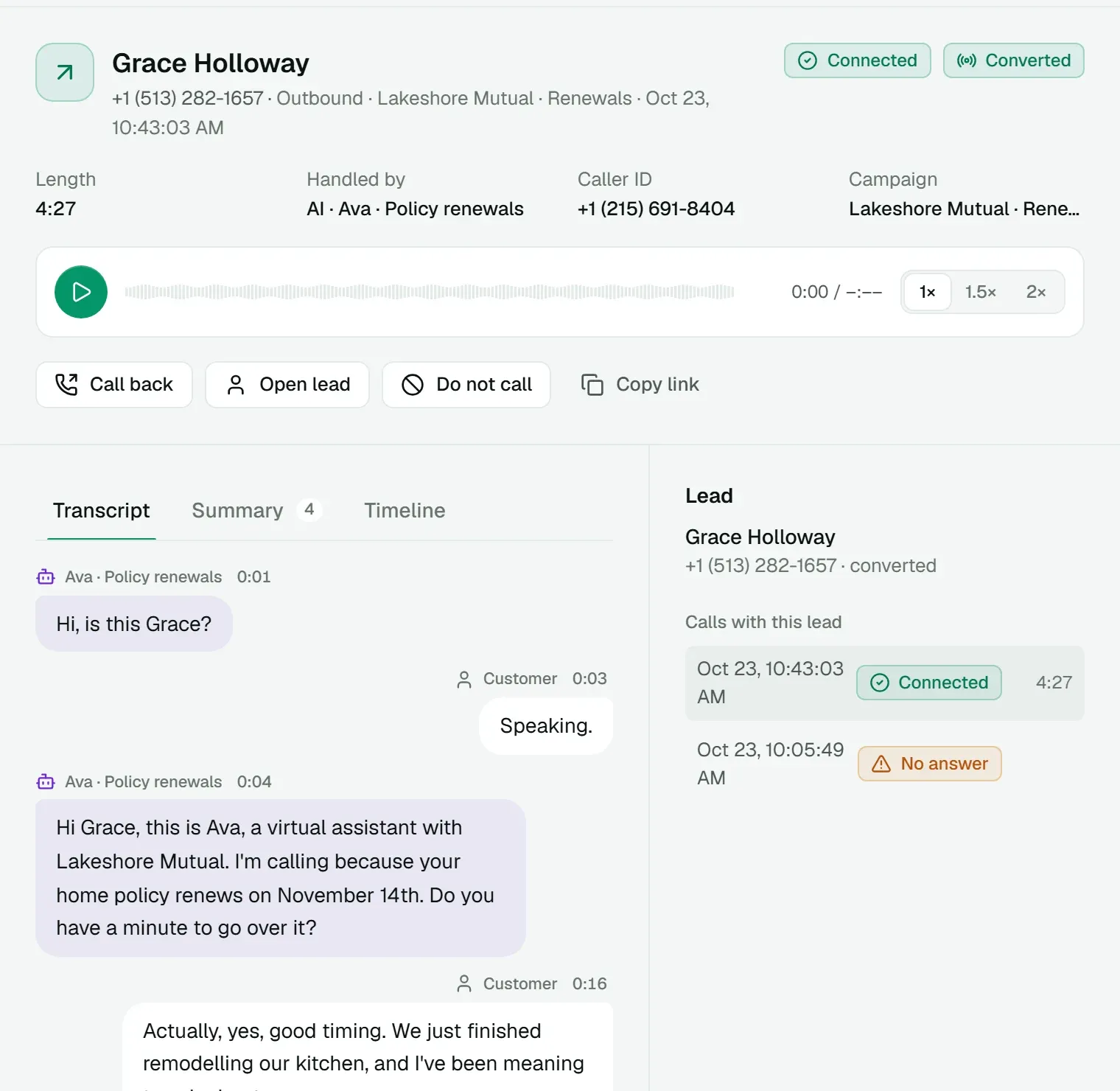
Cap how long a call may run, and set what the agent says when the caller goes quiet and how many times it tries. When an answering machine picks up, the agent can hang up, leave a message written for that lead, or play a recording.
05
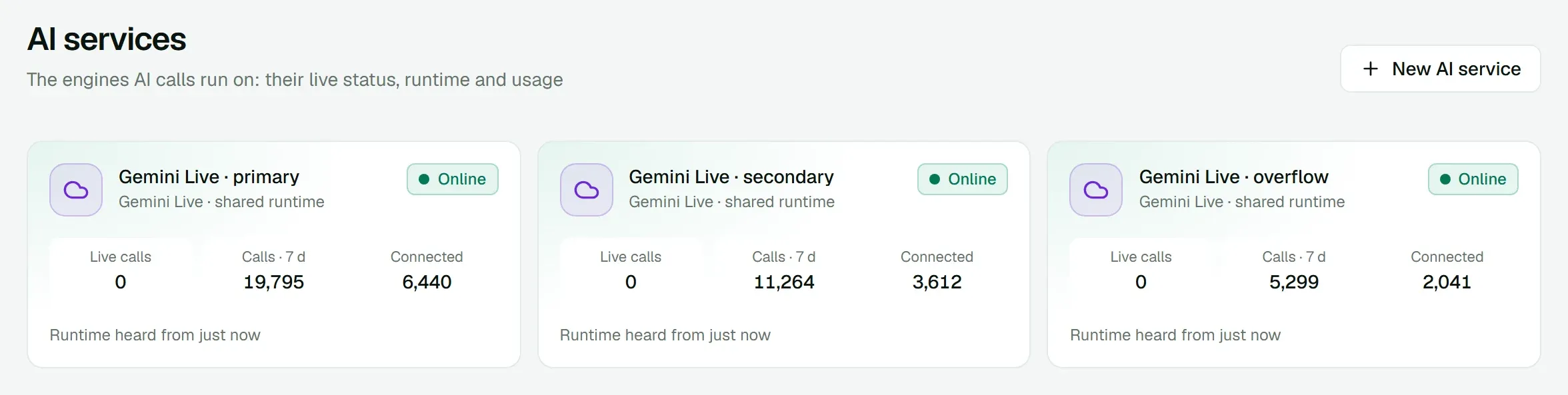
Your choice of runtime
Agents run on Gemini Live or on a dedicated GPU pipeline that runs only your calls. Each runtime shows whether it's online and how many calls it took recently.
Everything in AI voice agents
Included in the platform fee, like every other product. No charge per agent, per minute or per text.
How pricing works- Test calls
- Call the agent yourself from its page before it goes live.
- Transfers with a reason
- To a person or any number. The reason shows on their screen as it rings.
- Summaries and fields
- Every call gets an AI summary and the fields the agent pulled out.
- Answering machine detection
- Hang up, leave a personal message, or play a recording.
- Tool logs
- Arguments, results and timing for every tool run, on the call and on the tool.
- Where it's used
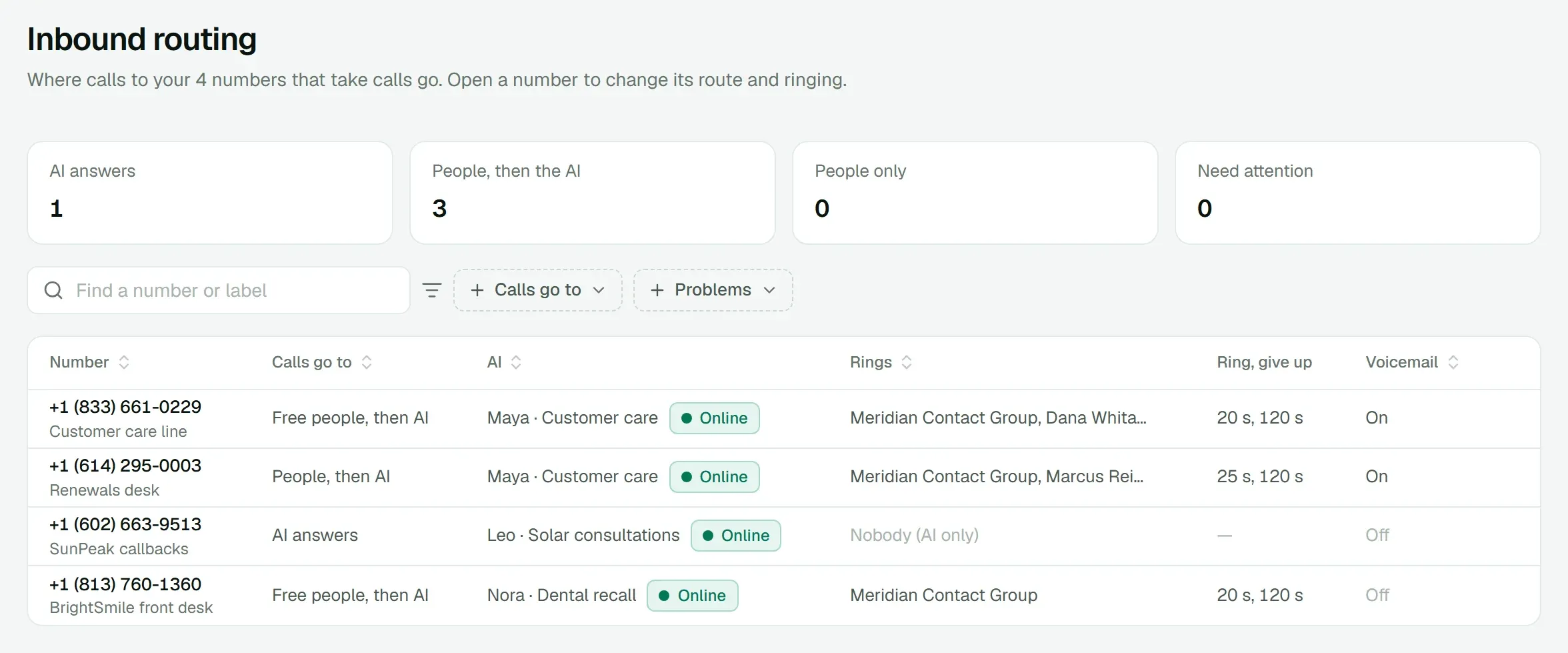
- See which dial sessions and inbound numbers use each agent.
- Per-agent stats
- Calls, connected calls, conversion and average length for the last 7 days.
- Built-in tools
- End the call and transfer it, ready on every agent.
Works with
All products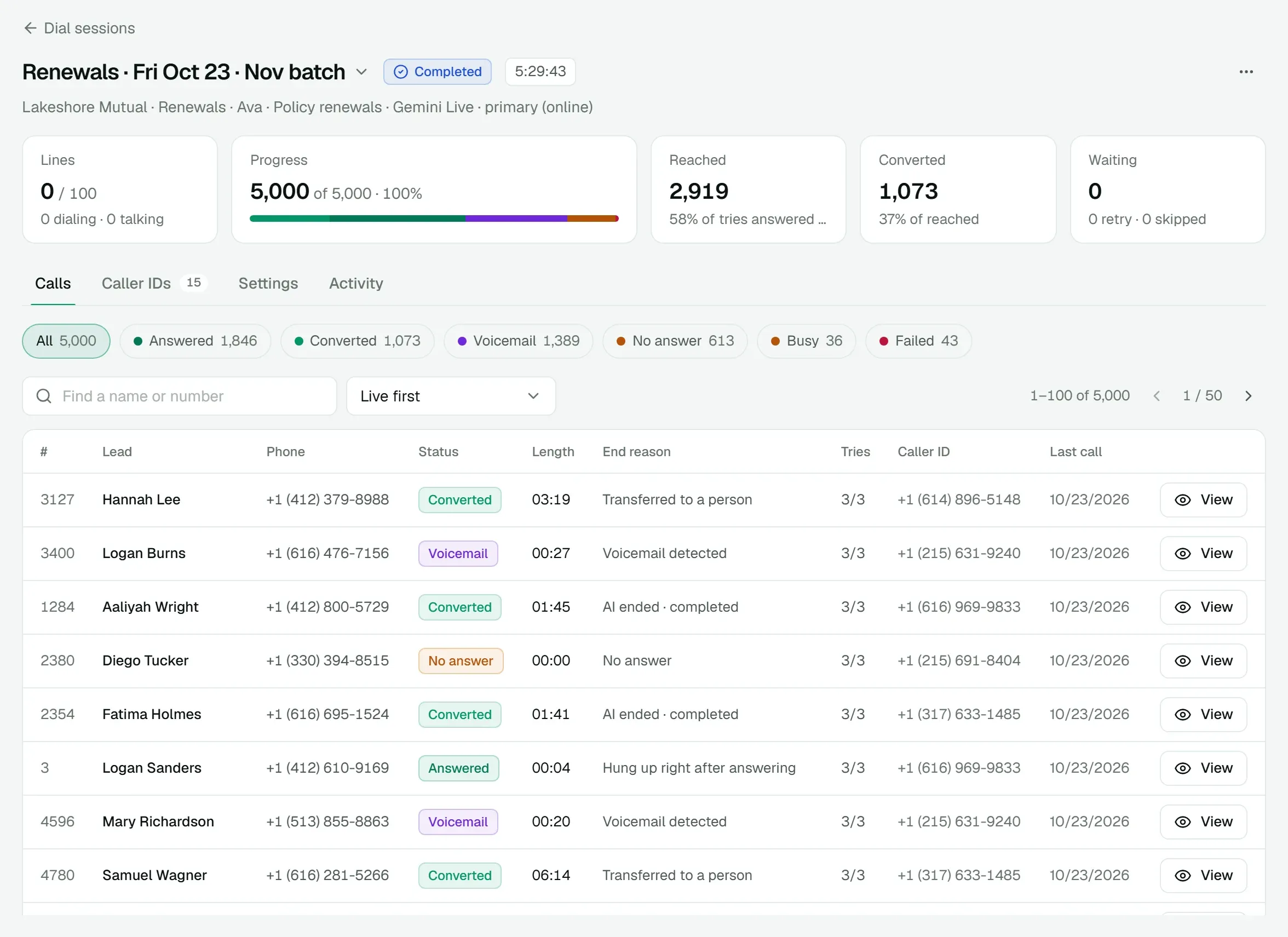
See it on a call of your own.
We'll walk you through the dialer, a live AI call and AI Messenger, then quote the platform for your floor.