
Solutions
Built for teams that live on the phone.
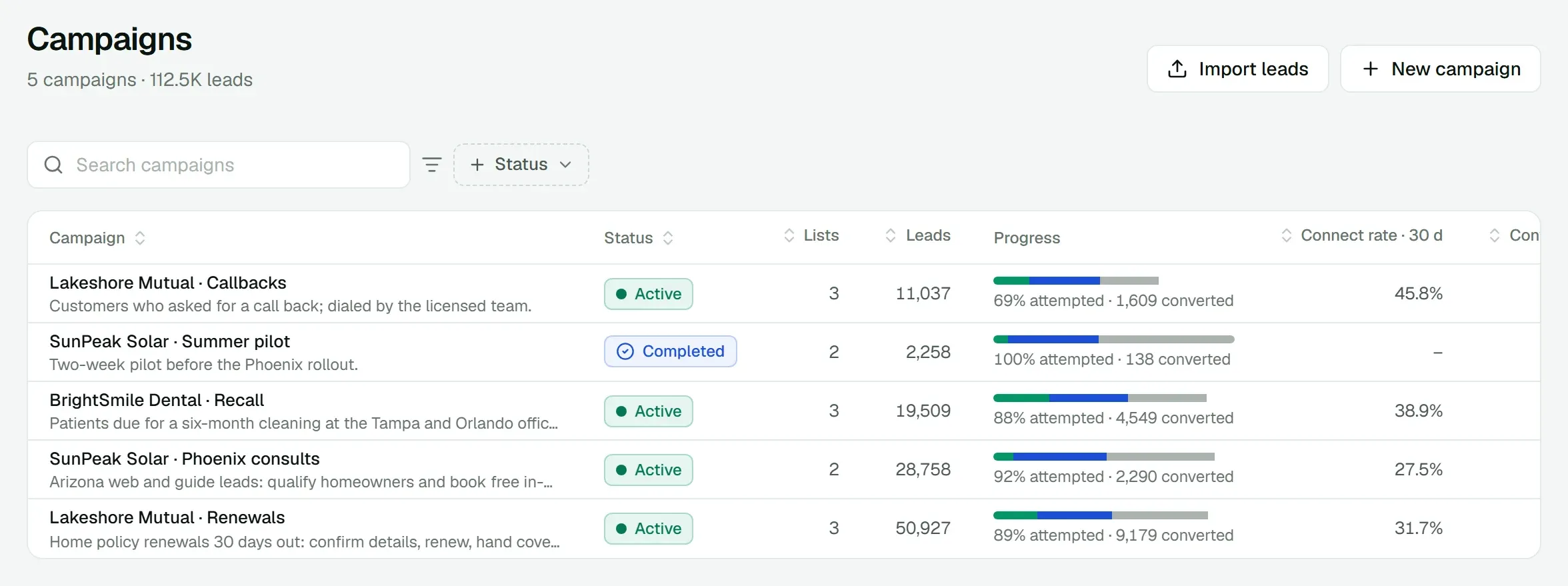
01 · BPOs and contact centers
Run every client's calling from one workspace.
Each client brings its own lists, scripts and reporting. Agents move between campaigns, and the AI should take the volume your people can't.
How teams run it
- Give each client a campaign with its own lead lists, AI agent and caller IDs.
- Let AI dial sessions work the lists and transfer qualified customers to the right team.
- Put inbound lines on people first, with the AI answering when everyone is busy.
- Text the leads who didn't pick up with AI Messenger, and hand each reply that's ready to the right team.
- Report per campaign: calls, connect rate, conversions and talk time, exported as CSV.
02 · Insurance
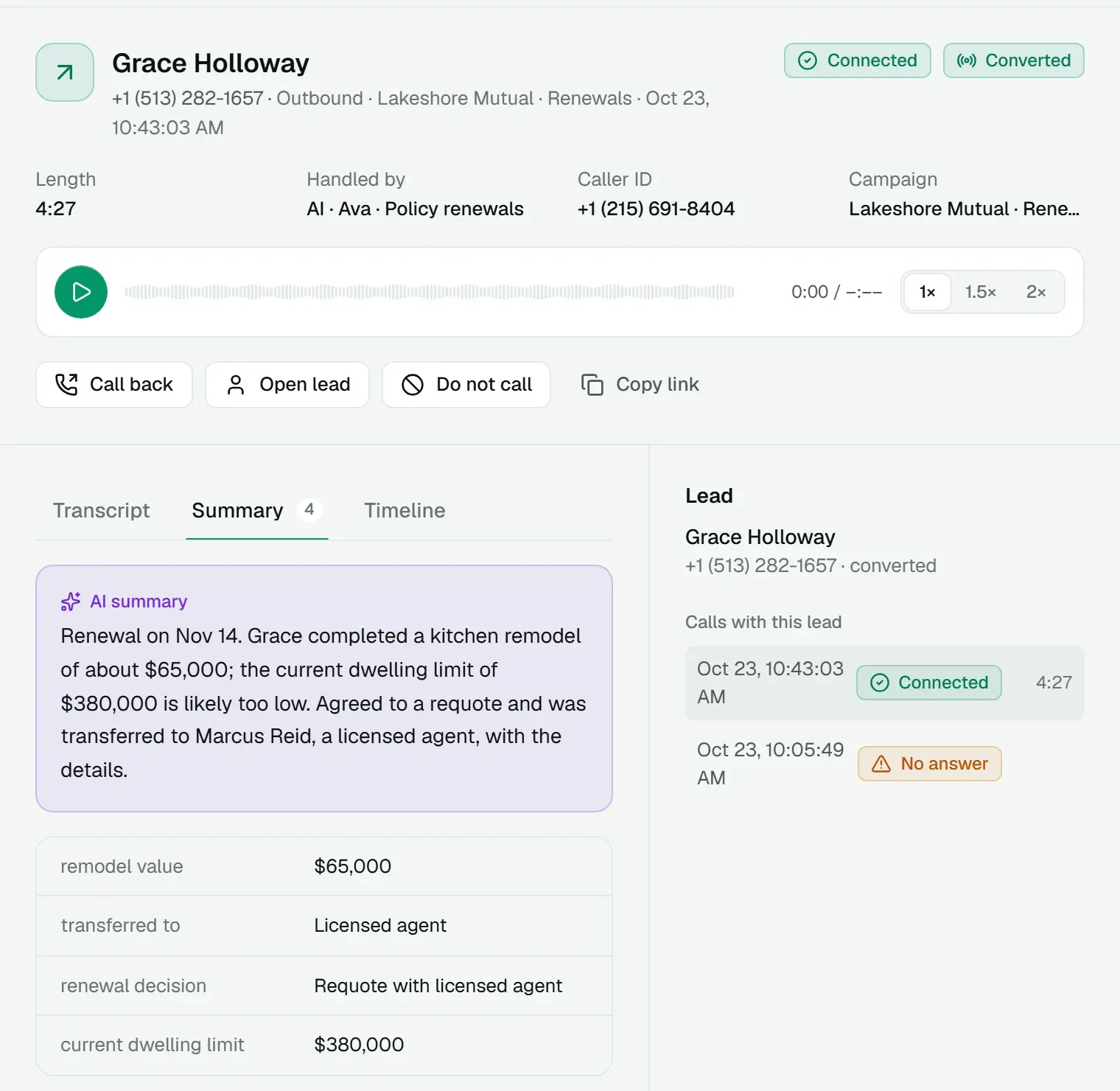
Renewals, policy service and claims, answered on time.
Renewal lists pile up every month, billing questions fill the queue, and a claim call can't wait on hold.
How teams run it
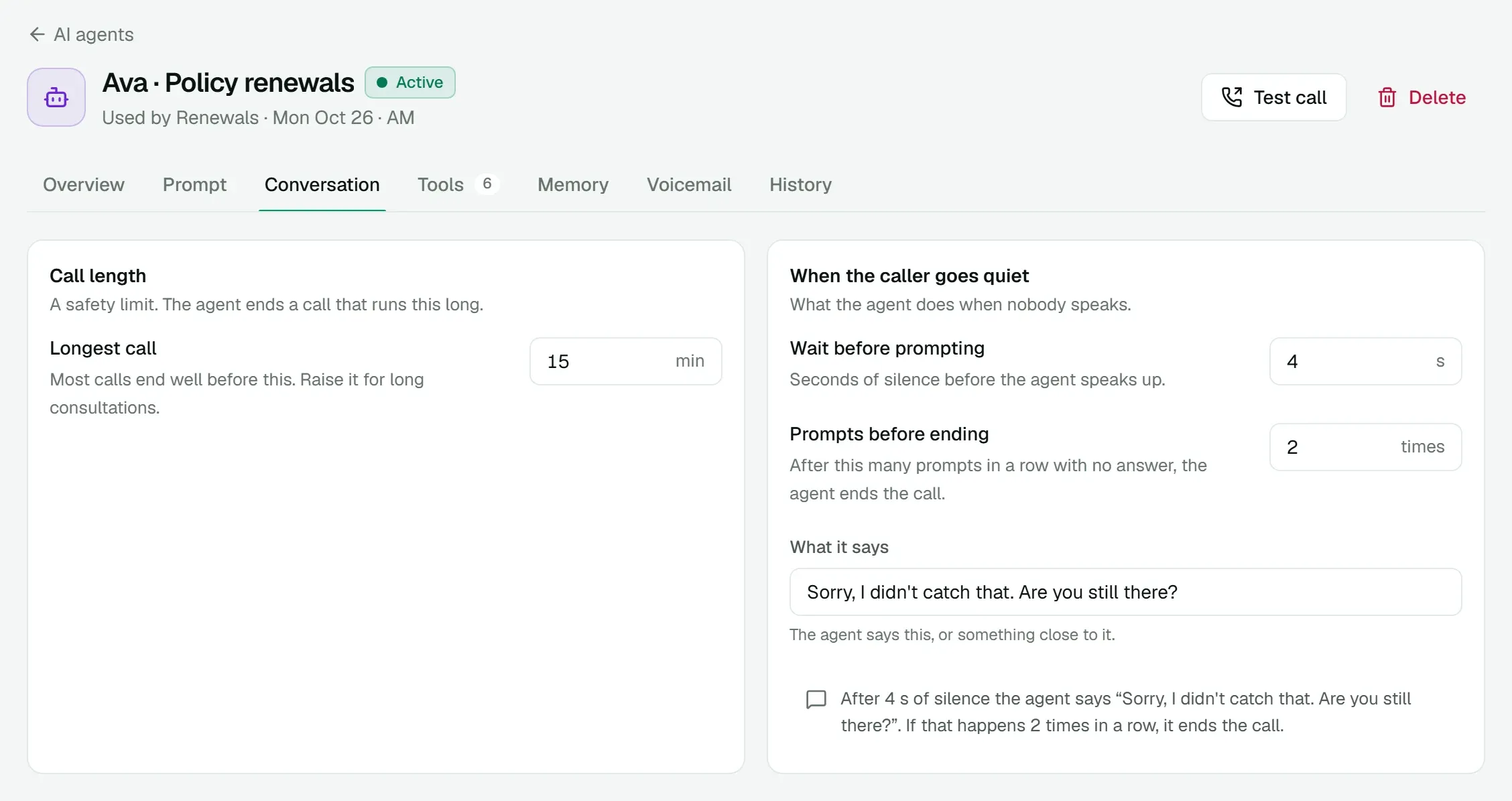
- Have an AI agent call policyholders before renewal, check details and renew when they agree.
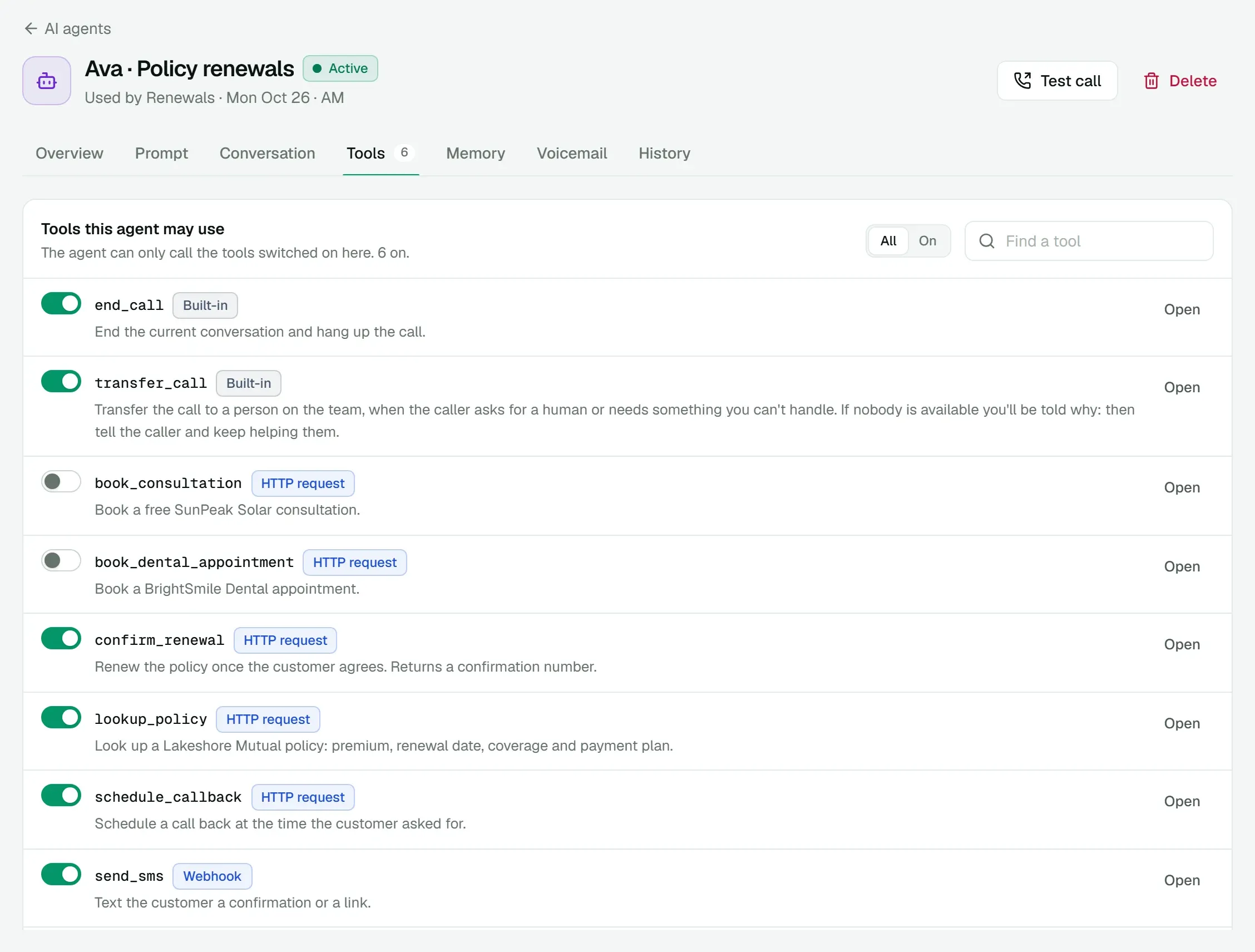
- Connect it to your policy system with HTTP tools: look up a policy, confirm a renewal, change billing.
- Transfer coverage changes and quotes to licensed agents, with the reason on their screen.
- Route claims calls straight to the claims team.
03 · Solar and home services
Call web leads while they're still interested, and book the visit.
Leads from forms and guides go cold within hours, and most of them need the same two qualifying questions before anyone visits.
How teams run it
- Import web leads into a campaign and start a dial session the same day.
- Let the AI ask the qualifying questions and book a consultation through your calendar tool.
- Text the leads who didn't answer: the AI qualifies them by text and hands them to an advisor.
- Hand financing and pricing questions to an advisor, mid-call.
04 · Clinics and dental practices
Fill the schedule with patients who are due.
Recall lists are long, front desks are busy, and most calls end in voicemail.
How teams run it
- Call patients due for a visit and book them with the dentist they usually see.
- When a machine answers, have the AI leave a short message written for that patient.
- Set a callback when a patient needs to check their schedule first.
- Keep the front desk line on people first, with the AI as backup.
05 · Lending and sales teams
A dialer your team actually uses.
Loan officers and sales reps need to call fast, call back on time and own their numbers, without desk phones or a softphone to set up.
How teams run it
- Give each person a direct line that rings their browser, with voicemail.
- Load lead lists into campaigns; everyone sees the leads and callbacks that are theirs.
- Text borrowers from the same direct line, photos and documents included.
- Record calls, or let each person decide.
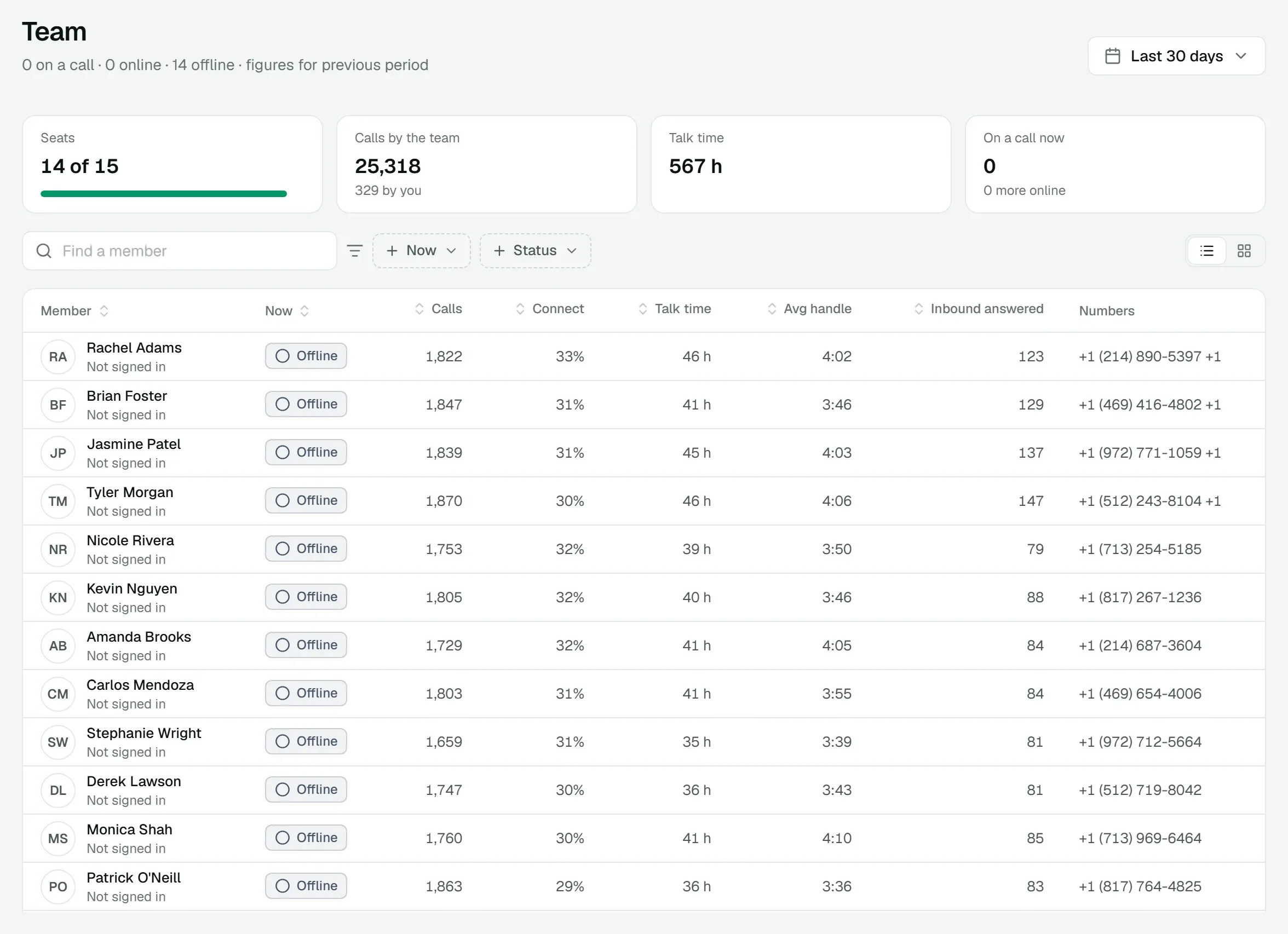
- Track calls, connect rate and talk time per person, and let each person see their own.
Tell us how your team calls.
We'll show you how it runs on Valyrian Voice, with your kind of campaign and a live AI call.